Product case study / School management platform
ClassWolf
Keep the school moving. Keep its history.
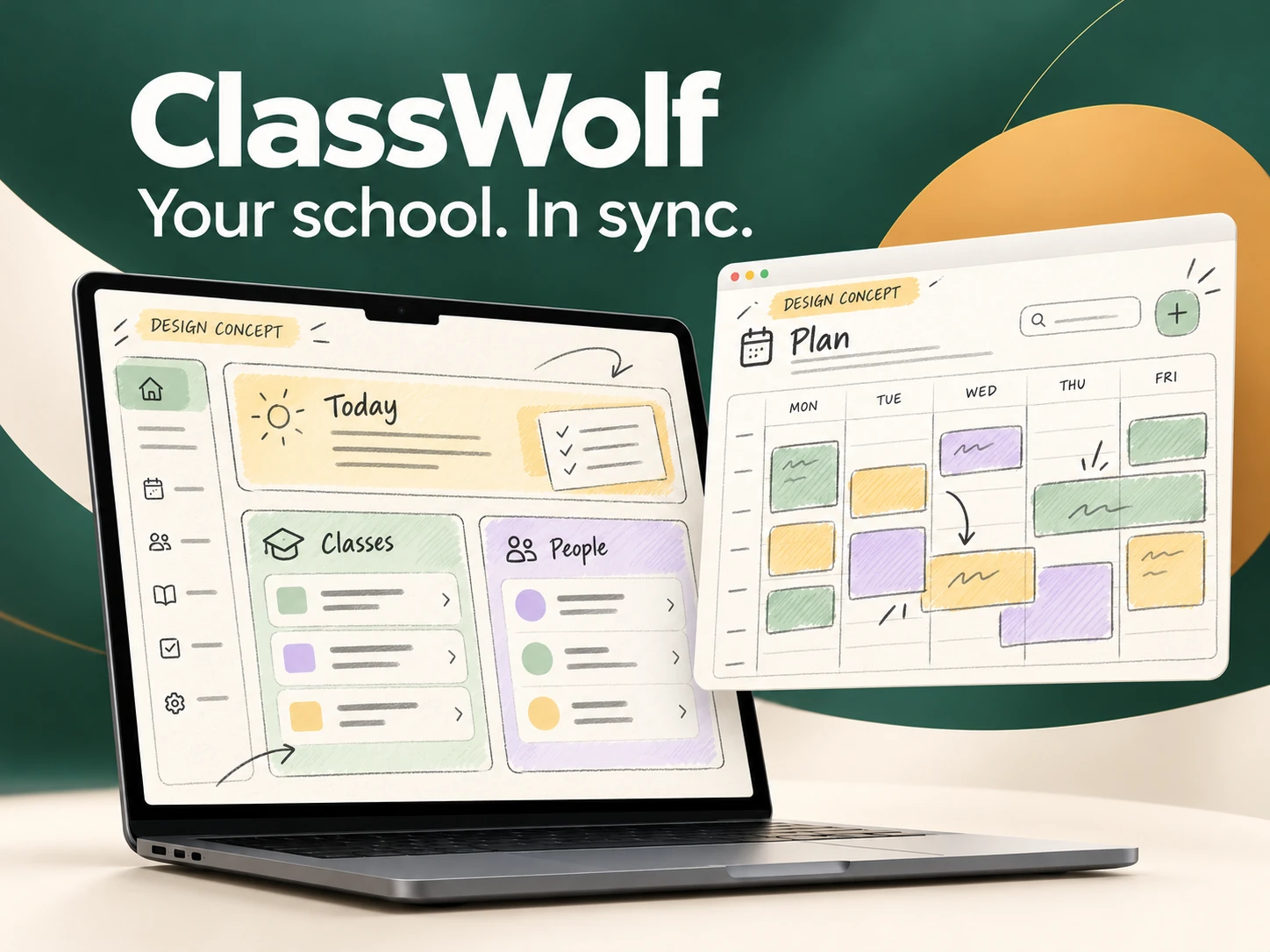
A connected workspace for schools built around recurring classes. Courses, attendance, class passes and payments come together in an interface that helps staff understand the day and keep a reliable operational history.
- Our contribution
- Product strategy, UX/UI, brand and development
- Project focus
- Public website and multi-role school management product
01 / The challenge
Behind every class, an operational ecosystem
A school is more than a calendar. It is the relationship between a course, a room, a teacher, the people attending and the payments that support it. ClassWolf makes those relationships explicit. Designed for recurring activities such as dance, yoga and music, it connects the front desk's daily work with the longer history of the school.
The challenge was to make interdependent operations feel manageable: recurring schedules, room capacity, teacher assignments, attendance, prepaid sessions and payments. The system also needs to preserve past records when staff or courses change, without making everyday tasks slower or exposing unnecessary complexity to each role.
The decisions behind the experience
Start with the day, then reveal the detail
The dashboard brings upcoming sessions, pending payments and practical shortcuts into one overview. Operational lists use a consistent structure so staff can move from a signal to the relevant record. The interface prioritises what needs attention before asking people to interpret a report.
Model recurring classes around real constraints
A course connects its teachers, room, schedule and enrolments. For partner dance, lead and follower capacity is meaningful; for other activities, it can stay out of the way. The product uses configurable verticals to keep specialised rules available where they matter.
Make class passes readable
Prepaid passes link purchase, remaining sessions, expiry and teacher allocation. Clear status labels distinguish an active pass from an exhausted or expired one. Keeping this information together helps staff explain a balance without reconstructing it across separate spreadsheets.
Preserve continuity when people change
Teacher records can be deactivated while historical classes and related records remain associated with them. Permissions separate staff responsibilities, and reports provide a route back to the underlying operations. The school's memory is treated as part of the product, not as a disposable by-product.
02 / People & research
Designing around real needs
Illustrative proto-personas, derived from the product’s roles and workflows. They describe design hypotheses, not interview participants.
The school owner
Illustrative proto-persona · operations and continuity
- Need
- Understand today's priorities and keep courses, payments and history aligned.
- Friction
- A payment or attendance question requires checking several disconnected records.
- Design response
- A shared overview and linked course, student and payment records.
The teacher on the move
Illustrative proto-persona · sessions and attendance
- Need
- Find the next session, mark attendance and understand the relevant class information.
- Friction
- Time pressure between classes and management screens that ask for too much context.
- Design response
- Clear session context, task-focused attendance and role-appropriate access.
Research questions & validation
This reconstructed research framework starts from the operational relationships in the product requirements. Owners need a view across courses and payments; teachers need a focused session task; students need clear enrolment information. A class pass adds dependencies between purchase, attendance, expiry and teacher allocation. Preserving history when a teacher leaves is an explicit discovery need. The proposed questions examine how people reconcile these records today and which information they need to act confidently at the front desk or between classes.
An editorial reconstruction of the design reasoning. The interview questions and usability scenarios below are a validation guide; they are not presented as completed fieldwork or measured results.
Interview guide
- Hypothesis: one operational overview reduces reconstruction. Ask: how do you answer a student's question about an unpaid class today?
- Ask owners: what information must remain available when a teacher leaves or a course ends?
- Ask teachers: what do you need to see on your phone immediately before and after a session?
- Hypothesis: explicit balances make passes easier to explain. Ask: which pass situations generate the most questions?
Usability test scenarios
- Create a recurring course and check teacher, room and enrolment context before confirming.
- Locate a student's pass and explain its remaining sessions, expiry and status using demonstration records.
- Find the next session and mark attendance on a small screen with the teacher role.
- Check keyboard use, status labels and permission boundaries, including deactivated teacher history.
03 / Customer journey
Customer journey
A representative journey reconstructed from the product flow, connecting each need to an interface decision.
| Stage | User action | Friction | Design response |
|---|---|---|---|
| Plan | Set up a recurring course | Teachers, rooms and capacity must agree | A connected course model with schedule and capacity visible |
| Enrol | Connect a student to a course | Student details and enrolment live in separate places | Linked student and course records |
| Attend | Check the session and record attendance | Little time at the start of a class | A session-centred attendance task |
| Collect | Review payment and class-pass balance | Expiry, remaining sessions and payment status become confused | Explicit balances, dates and pass statuses |
| Review | Understand operations and keep historical context | Staff changes interrupt the school's memory | Reports and retained historical associations |
01Plan
- User action
- Set up a recurring course
- Friction
- Teachers, rooms and capacity must agree
- Design response
- A connected course model with schedule and capacity visible
02Enrol
- User action
- Connect a student to a course
- Friction
- Student details and enrolment live in separate places
- Design response
- Linked student and course records
03Attend
- User action
- Check the session and record attendance
- Friction
- Little time at the start of a class
- Design response
- A session-centred attendance task
04Collect
- User action
- Review payment and class-pass balance
- Friction
- Expiry, remaining sessions and payment status become confused
- Design response
- Explicit balances, dates and pass statuses
05Review
- User action
- Understand operations and keep historical context
- Friction
- Staff changes interrupt the school's memory
- Design response
- Reports and retained historical associations
04 / Wireframing
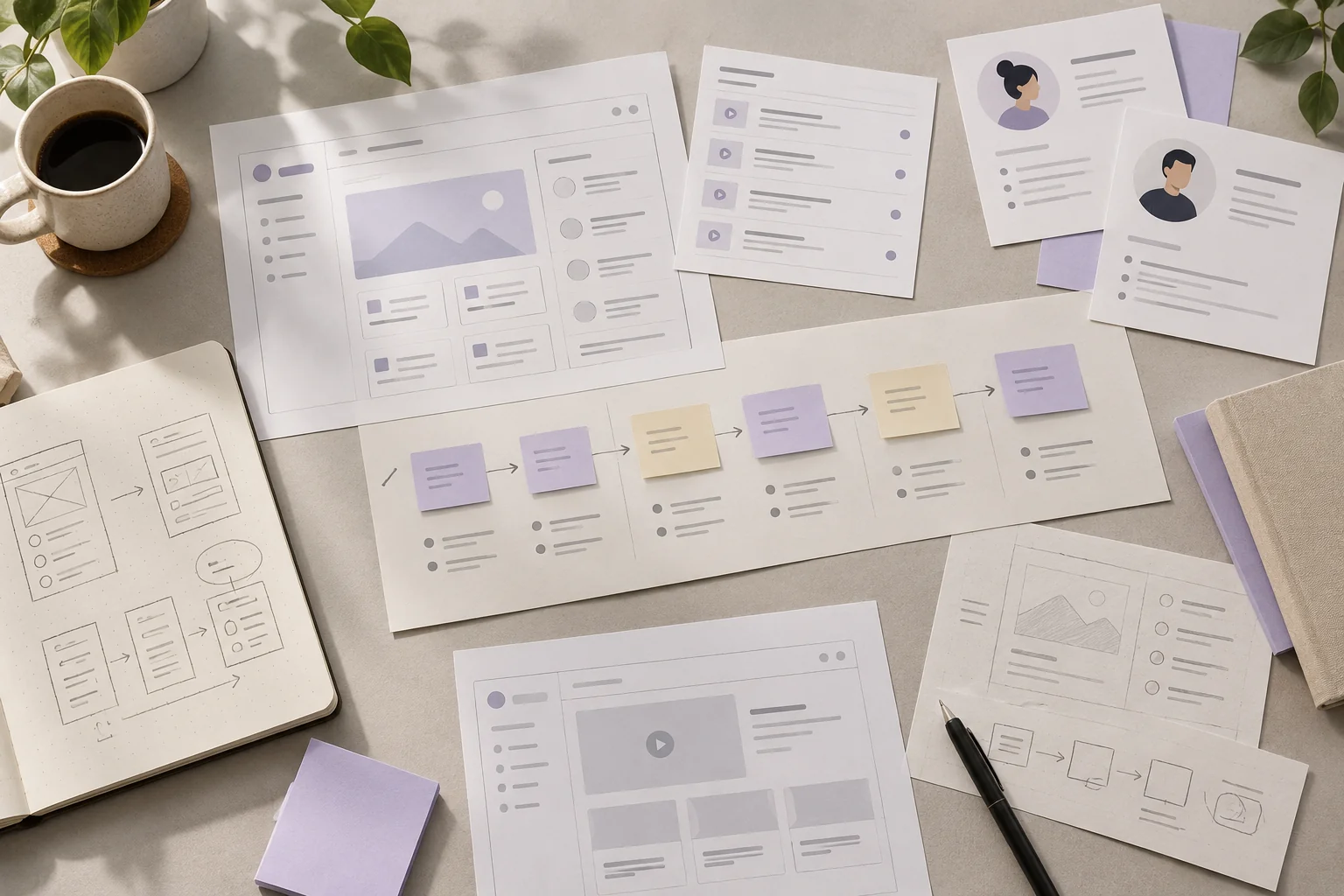
From structure to interface
Low-fidelity wireframes reconstructed for this case study. They explain information hierarchy and flow, rather than reproduce original project files.
05 / UI & visual design
Website captures & design drafts
Captions distinguish public website captures from AI-generated platform design drafts. Open an image to explore its details.
What the design makes possible
ClassWolf connects the people, classes and records behind a school. The design rationale keeps daily priorities, class-pass balances and historical context visible. The colorful visuals are AI-generated concept drafts that explain these ideas.