UX/UI design for clearer digital products
We help teams improve websites, SaaS platforms and complex workflows. Start with the task people struggle to complete; turn it into a clear journey, a consistent interface and a design your team can build.
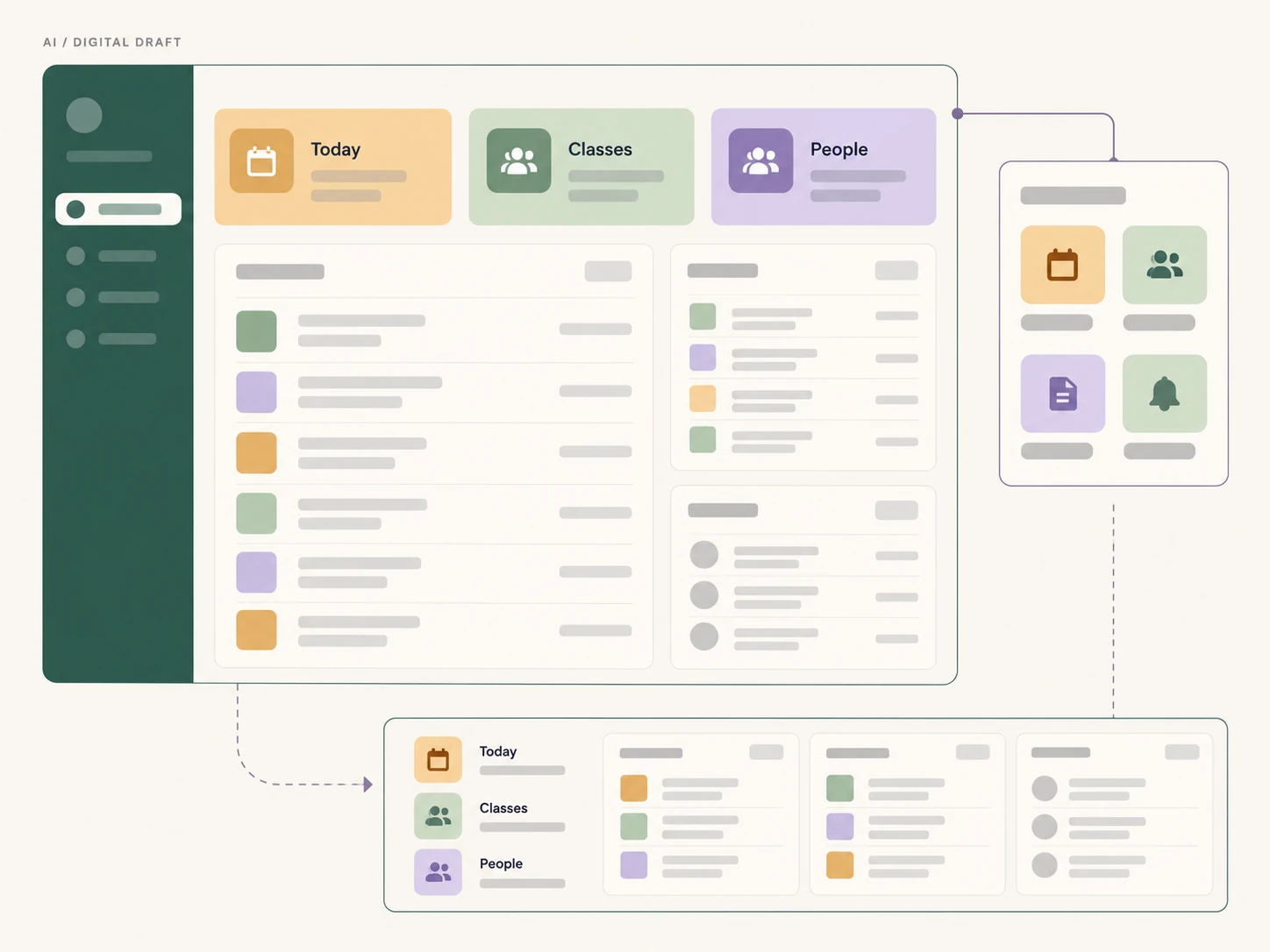
Where to start
Which product problem needs attention?
A UX engagement should begin with a defined problem and an agreed scope. These are three useful starting points.
People cannot find the next step
Review navigation, onboarding and key tasks to locate unclear labels, missing context and unnecessary decisions. Agree which flow to improve before expanding the redesign.
The SaaS has outgrown its interface
Bring roles, permissions, data tables and operational states into a coherent structure. Separate what people need to see from what they need to change, while keeping essential actions visible.
The experience changes between screens
Audit existing components before adding new patterns. Align forms, feedback, mobile behaviour and interaction states so a feature remains recognisable across the product.
A scope you can review
From a question to a buildable design
Choose the methods that answer your product question. Interviews and participant testing are planned explicitly when the scope calls for them.
Understand the current task
Review the live product, business constraints and available evidence. Map users, roles and the current journey; record which assumptions need research rather than treating them as findings.
Prototype the important decisions
Define navigation and content hierarchy, then prototype the critical flow. Include permissions, empty states and error recovery alongside the ideal journey.
Verify and prepare delivery
Review task clarity, mobile layouts, keyboard access and interaction states. Where agreed, test with participants. Turn the decisions into components, behaviour notes and a prioritised implementation plan.
What your team can take forward
A prioritised problem map
The agreed flows, evidence, assumptions and decisions that define the work.
A reviewable prototype
Key screens and interactions with enough context to discuss behaviour before implementation.
An implementation handover
Reusable patterns, responsive behaviour, content and acceptance checks for the agreed scope.
Applied product design
See how the decisions change with the domain
Different products need different flows. These case studies show the product context, interface choices and scope of the work.
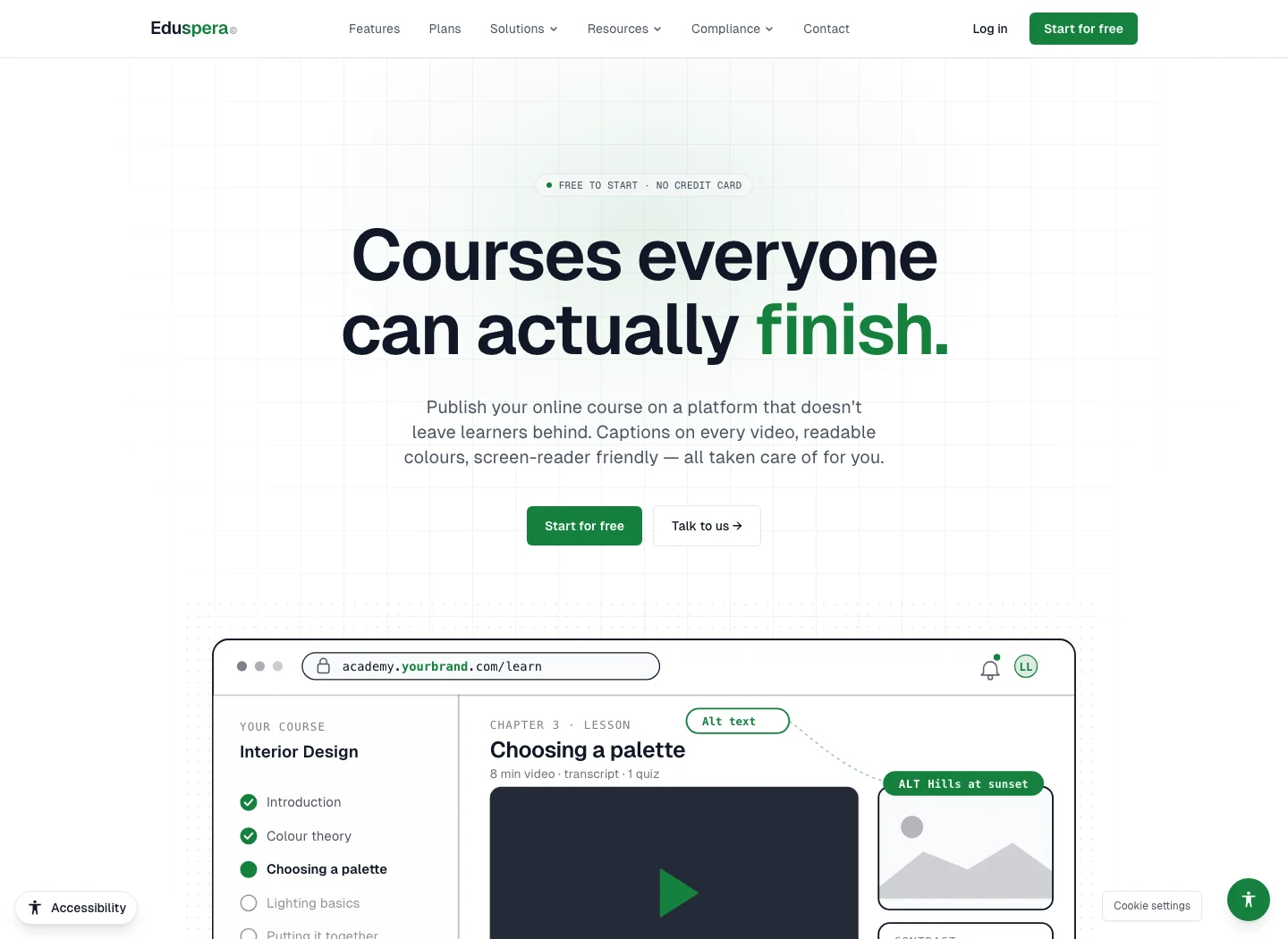
EduSpera
A learning path people can resume
Course context, saved progress and adaptable reading connect publishing with everyday learning. Explore the decisions behind the creator and learner experience.
Explore EduSpera UX decisions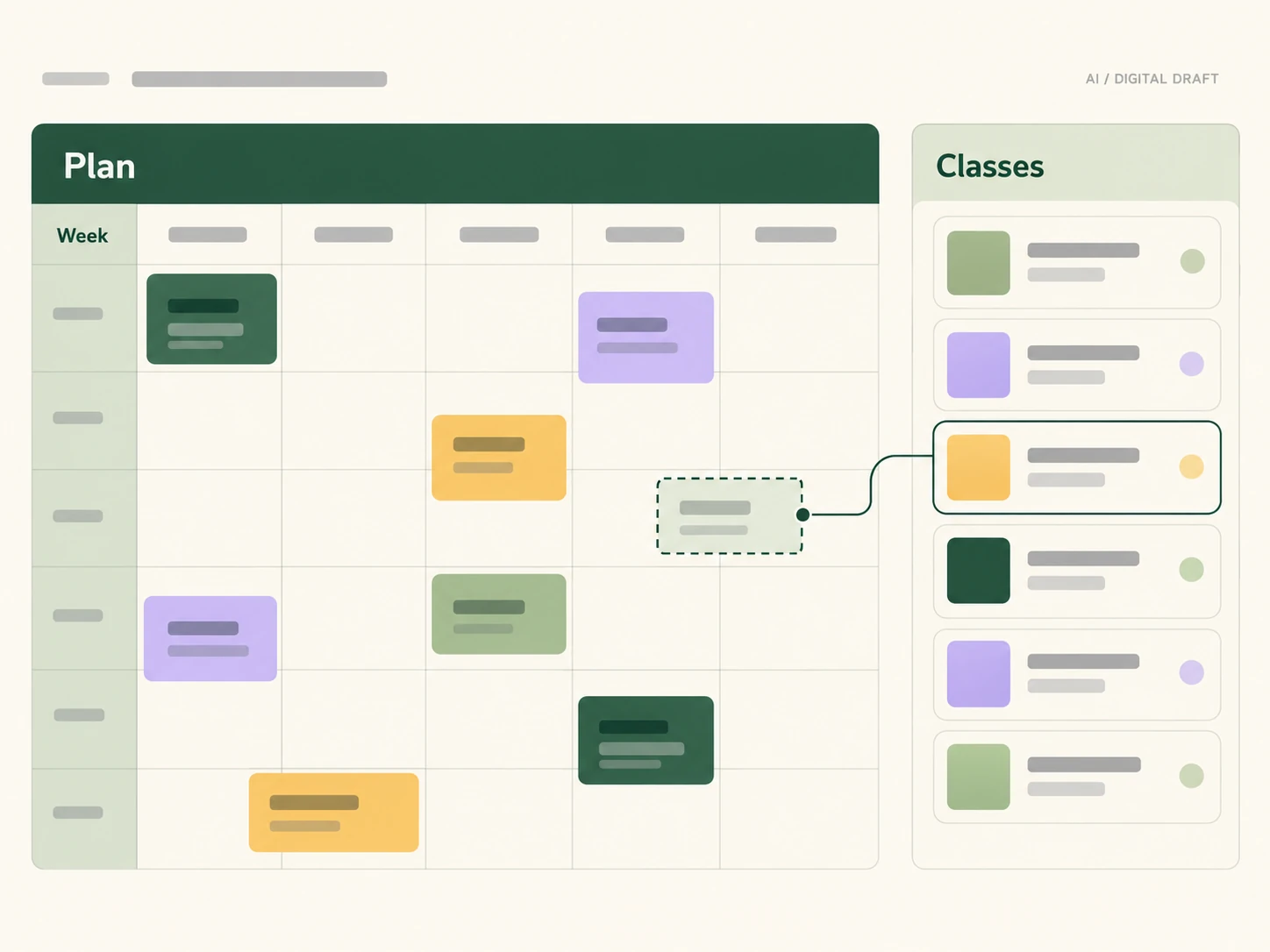
ClassWolf
An operational view for recurring classes
Recurring classes connect teachers, rooms, capacity and class passes. This AI-generated digital color UX draft explores those relationships and the information staff need to see.
Explore the ClassWolf product design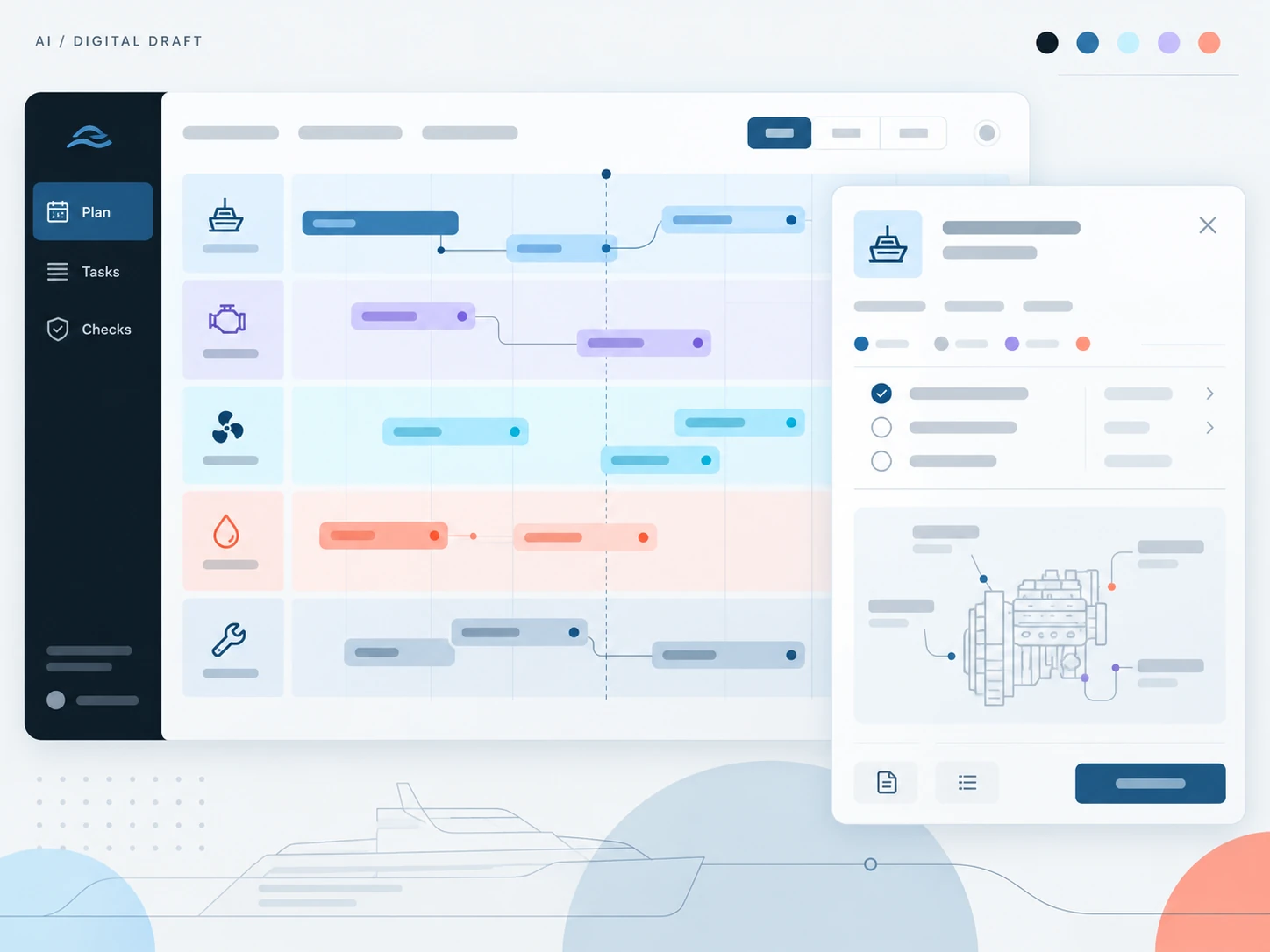
SupaSailing & SupaMaritime
Complex maritime work, distinct roles
Fleet and maritime workflows need clear ownership and visible status. This AI-generated digital color UX draft explores how maintenance tasks could communicate those priorities.
Explore the maritime product ecosystemDesign Accessible from Day One
Inclusive design isn't an afterthought — it's how we build. Our UX/UI process integrates WCAG guidelines, color contrast ratios, and assistive technology support from the very first wireframe.
Explore Accessibility ServicesPlanning a UX/UI design project
Scope, evidence and delivery: useful questions before starting.
Tell us which task needs to work better
Share a product link, who uses it and where the journey becomes difficult. We can use that context to discuss the first useful scope.