Product case study / Accessible learning platform
EduSpera
Learning should adapt to people.
An accessible learning ecosystem that connects course creation, everyday study and human feedback. A product designed around the needs of both the people who teach and the people who learn.
- Our contribution
- Product strategy, UX/UI and development
- Project focus
- Marketing website, creator workspace and learner experience
01 / The challenge
One platform, different ways to learn
Publishing a course is only the beginning. A learner needs to find their place, understand the next step, access the content and ask for help. The academy needs to manage that experience without assembling a different tool for every task. EduSpera brings these responsibilities into one connected product, with accessibility built into content creation and the learner interface.
The design challenge was to reconcile a powerful management system with a calm learning experience. Courses, learning paths, submissions and community have different roles and permissions. Their structure has to remain understandable, while reading preferences, captions and keyboard access must work throughout the journey.
The decisions behind the experience
Make the next step visible
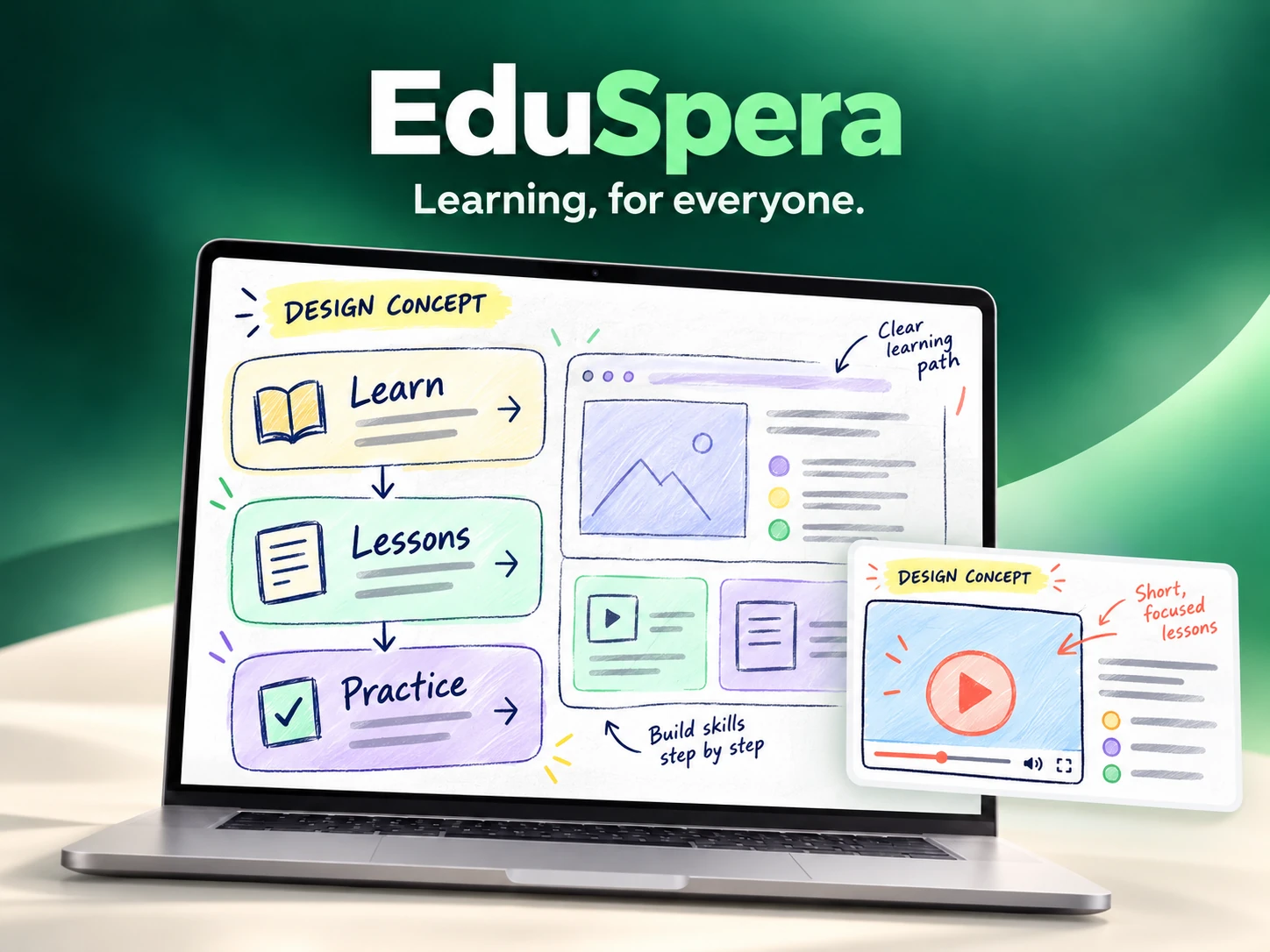
The learner experience connects the course outline, saved progress and lesson content. Returning to study should begin with a recognisable position in the course, rather than a search through unrelated pages. Exercises and feedback remain part of that same learning loop.
Accessibility within everyday actions
Captions and transcripts support video lessons, while prompts for image descriptions and accessibility scoring help creators improve their content. Learners can adjust theme, text size and spacing. These controls belong to the product and follow the learner across courses.
A clear boundary between managing and participating
The information architecture distinguishes the academy, learning path and course, with visible context and consistent navigation. The management panel and member experience have different responsibilities, while shared components keep the interface familiar as people move between activities.
Treat feedback as part of the interface
A submission is more than an upload. Its status, the requested changes and the learner's next action need to be readable. The same principle applies to loading states and navigation: show what is happening and preserve orientation while the system responds.
02 / People & research
Designing around real needs
Illustrative proto-personas, derived from the product’s roles and workflows. They describe design hypotheses, not interview participants.
The academy lead
Illustrative proto-persona · course operations
- Need
- Organise courses, people and submissions with a clear overview.
- Friction
- Switching tools and losing track of which course or audience is being managed.
- Design response
- Consistent navigation, explicit course context and readable submission queues.
The returning learner
Illustrative proto-persona · independent study
- Need
- Resume a lesson, understand it in a suitable format and know what comes next.
- Friction
- Fixed reading settings, video without an alternative and unclear feedback.
- Design response
- Saved progress, captions and transcripts, adaptable reading and explicit next actions.
Research questions & validation
This reconstructed research framework connects two critical moments: preparing a course for publication and returning to a lesson. The documented navigation decisions highlight the importance of knowing which academy, learning path or course is active. The accessibility tools introduce a second question: can creators make content usable without a separate workflow, and can learners keep their preferred reading conditions? The interview guide and proposed checks explore orientation, content alternatives and the clarity of exercise feedback.
An editorial reconstruction of the design reasoning. The interview questions and usability scenarios below are a validation guide; they are not presented as completed fieldwork or measured results.
Interview guide
- Hypothesis: visible progress makes returning easier. Ask: how do you currently find the point where you stopped?
- Hypothesis: useful alternatives make content more flexible. Ask: when do you prefer a transcript, captions or adjusted text?
- Ask creators: which checks do you perform before publishing, and which are easiest to forget?
- Ask learners: what information makes a correction clear enough to act on without contacting support?
Usability test scenarios
- Resume a course and locate the next unfinished lesson without assistance.
- Change reading settings, open captions and verify that preferences survive navigation.
- Submit an exercise, identify its status and explain the next action from a sample correction.
- Review keyboard access, focus, mobile layouts and loading or error states across both roles.
03 / Customer journey
Customer journey
A representative journey reconstructed from the product flow, connecting each need to an interface decision.
| Stage | User action | Friction | Design response |
|---|---|---|---|
| Discover | Understand the learning offer | A long feature list hides the learning value | Explain the learning experience and show the product |
| Start | Find the course and the first lesson | Unclear course hierarchy | Visible course outline and a recognisable entry point |
| Learn | Read, watch and adapt the lesson | Content does not fit the learner's access needs | Captions, transcripts and persistent reading preferences |
| Practise | Submit work and read feedback | Uncertainty about status and requested changes | Explicit submission status and an actionable next step |
| Return | Continue the course on another day or device | Losing progress and personal settings | Saved progress and preferences across the learning experience |
01Discover
- User action
- Understand the learning offer
- Friction
- A long feature list hides the learning value
- Design response
- Explain the learning experience and show the product
02Start
- User action
- Find the course and the first lesson
- Friction
- Unclear course hierarchy
- Design response
- Visible course outline and a recognisable entry point
03Learn
- User action
- Read, watch and adapt the lesson
- Friction
- Content does not fit the learner's access needs
- Design response
- Captions, transcripts and persistent reading preferences
04Practise
- User action
- Submit work and read feedback
- Friction
- Uncertainty about status and requested changes
- Design response
- Explicit submission status and an actionable next step
05Return
- User action
- Continue the course on another day or device
- Friction
- Losing progress and personal settings
- Design response
- Saved progress and preferences across the learning experience
04 / Wireframing
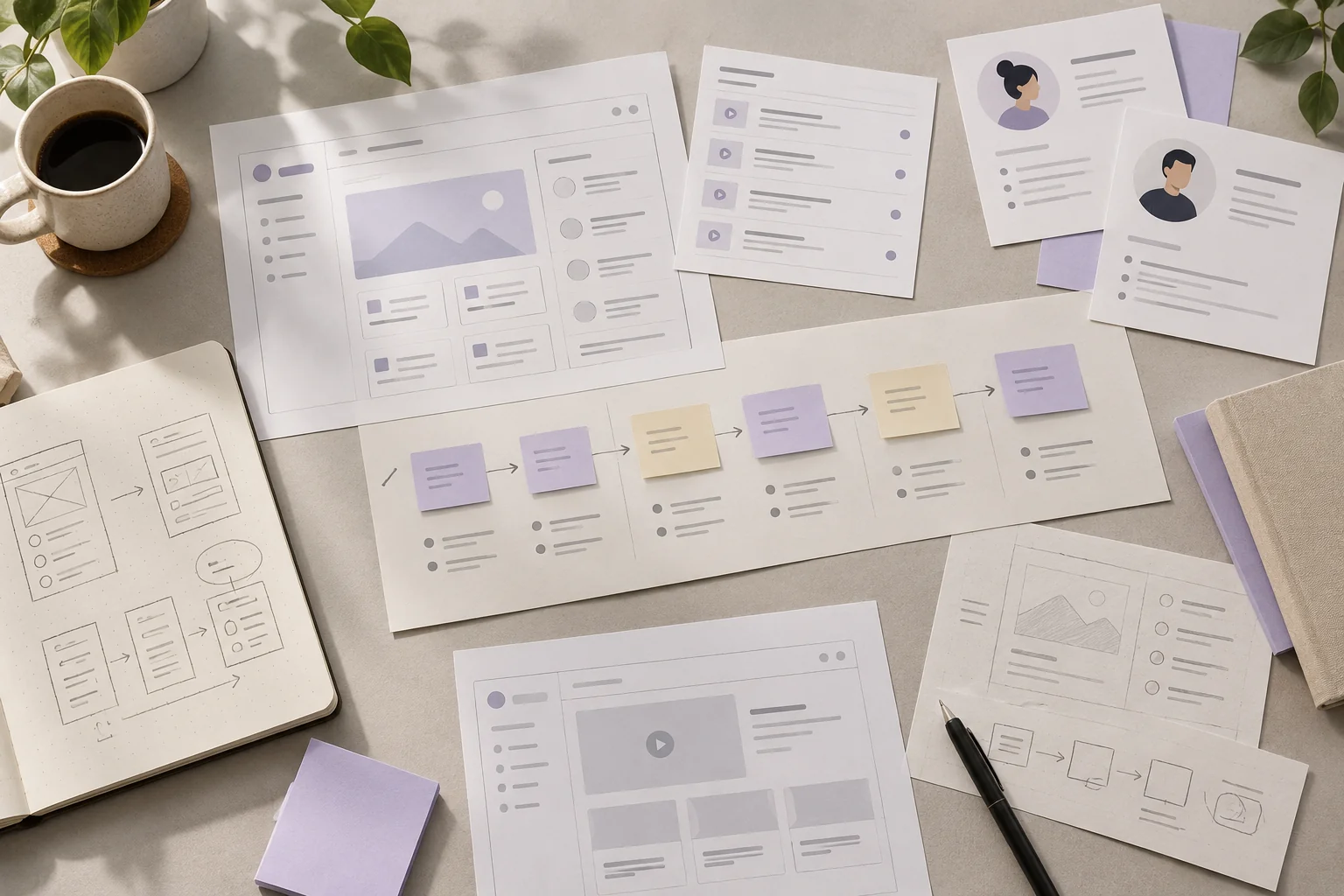
From structure to interface
Low-fidelity wireframes reconstructed for this case study. They explain information hierarchy and flow, rather than reproduce original project files.
05 / UI & visual design
Website captures & design drafts
Captions distinguish public website captures from AI-generated platform design drafts. Open an image to explore its details.
What the design makes possible
EduSpera brings publishing, learning and feedback into a coherent platform. Its distinctive value is a practical approach to accessibility: tools for creators, choices for learners and clear context for the people managing the academy. The case study documents product decisions and an editorial research framework; it makes no claim of measured learning improvement.