AI Search Optimization: A Practical Website Checklist
A practical approach to AI search optimization: readable pages, credible project evidence, crawler access and measurement without ranking guarantees.
4 min read
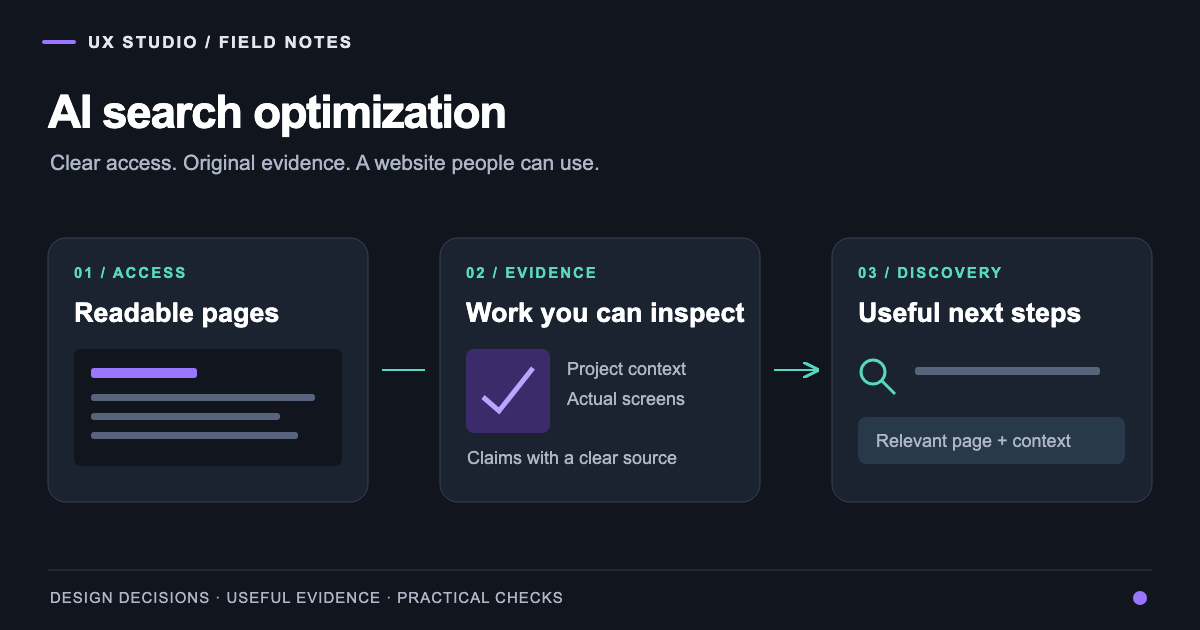
AI search optimization means making your website useful and accessible to search systems that assemble answers with generative AI. For a business website, the practical work starts with the same questions a potential customer asks: what do you do, what evidence supports it and where can I learn more?
At UX Studio, we approach this through the website itself. During our portfolio work, we examined page responses, navigation and the evidence behind project stories. A page that looks complete in a browser can still return little meaningful text before JavaScript runs. A beautiful project gallery can also leave the business problem unexplained. Both deserve attention before buying another visibility score.
Start with an access check, not an AI writing template
Take a service page, a project and an article. Inspect the HTTP response, then the rendered browser view. Check the title, main text, internal links and the next action in each. A thin initial response is a diagnostic finding; it does not prove that Google cannot render the site.
Google's JavaScript SEO guidance explains its crawling, rendering and indexing process. Our implementation decision is to make important content available reliably and to verify the actual response, rather than assume a framework guarantees discoverability.
Also test direct entry. Someone arriving on a project URL should find the complete story without first visiting the homepage. If an article requires an avoidable browser challenge, investigate that delivery path. Keep private work private; public discovery does not require exposing customer records or authenticated product areas.
Build the evidence before expanding the page count
A useful project page answers a small set of substantial questions: what was the problem, who needed the product, what changed and what can the reader inspect? Public website captures can document a published site. Clearly labelled AI-generated concept drafts can explain a design direction. Their captions should identify which kind of material the reader is viewing.
Our ClassWolf case study connects recurring classes, attendance and class passes through colorful AI-generated UX concept drafts. The visuals explain design ideas, and the reconstructed proto-personas describe working hypotheses. Their provenance is explicit so readers can distinguish the product rationale from the illustrative material.
We use the same discipline with outcomes. A delivered interface is evidence of implementation. It is not automatically evidence of improved revenue, learning completion or conversion. Add a number only when its source, scope and comparison are available.
Give each page a clear job
The homepage introduces the studio. A service page explains an engagement. A case study shows relevant work. An article helps someone make a decision. Those pages should support one another through descriptive links instead of repeating the same keyword paragraph.
| Page | Reader's question | Useful evidence | Next step |
|---|---|---|---|
| Service | Can this team help with my problem? | Scope, approach and relevant work | Discuss the brief |
| Case study | Have they handled similar complexity? | Decisions, screens and limits | Explore the service |
| Article | How should I evaluate this decision? | Method, trade-offs and sources | Apply a checklist |
| About | Who is responsible for the work? | Accurate experience and attribution | Find the right contact |
This is information architecture, not a special format for a model. Google's current guide to generative AI search prioritises useful, distinctive content and clear technical structure. It also says that Google Search does not use llms.txt or require special AI markup. We therefore prioritise the real pages and their evidence.
Make crawler decisions deliberately
Search access and training preferences are separate decisions. The official OpenAI crawler documentation identifies OAI-SearchBot for ChatGPT search and GPTBot for potential training use, with independent controls. Allowing a crawler is an access decision, not a promise that a page will be selected.
Review robots.txt alongside CDN and firewall behaviour. A permissive file is not useful if the actual request receives a block page. Conversely, do not remove authentication or publication restrictions merely to make a crawler happy. Decide which content is public, then verify that public delivery consistently.
Avoid copying a generic robots configuration without understanding its effect. Record the intended audience and owner of each rule so it can be reviewed when hosting or security settings change.
Use structured data to describe what is visible
Keep business names, project titles, author information and canonical addresses consistent. If a page describes a project, its structured description should match that project. If an article has a team byline, the author page should accurately explain that team's contribution.
A schema block cannot compensate for unsupported claims in the copy. Nor does adding FAQ markup turn ordinary agency content into a guaranteed source for AI answers. Our digital strategy work connects these editorial decisions to the business offer, while the UX design practice handles how people find and use the information.
Measure changes that a team can act on
Before changing the site, save a baseline for the relevant pages: indexed status, search queries, landing-page visits and meaningful enquiries. Document what was changed and when. Use the available Search Console reports, including generative-AI reporting where applicable to the account, alongside referral and conversion data.
A manual search can provide a useful observation, but answers change with context and time. Record the query, language, date, result and linked URL. Treat repeated observations as a research log, not a universal rank tracker. A citation without a click and a visit without a qualified enquiry are different outcomes.
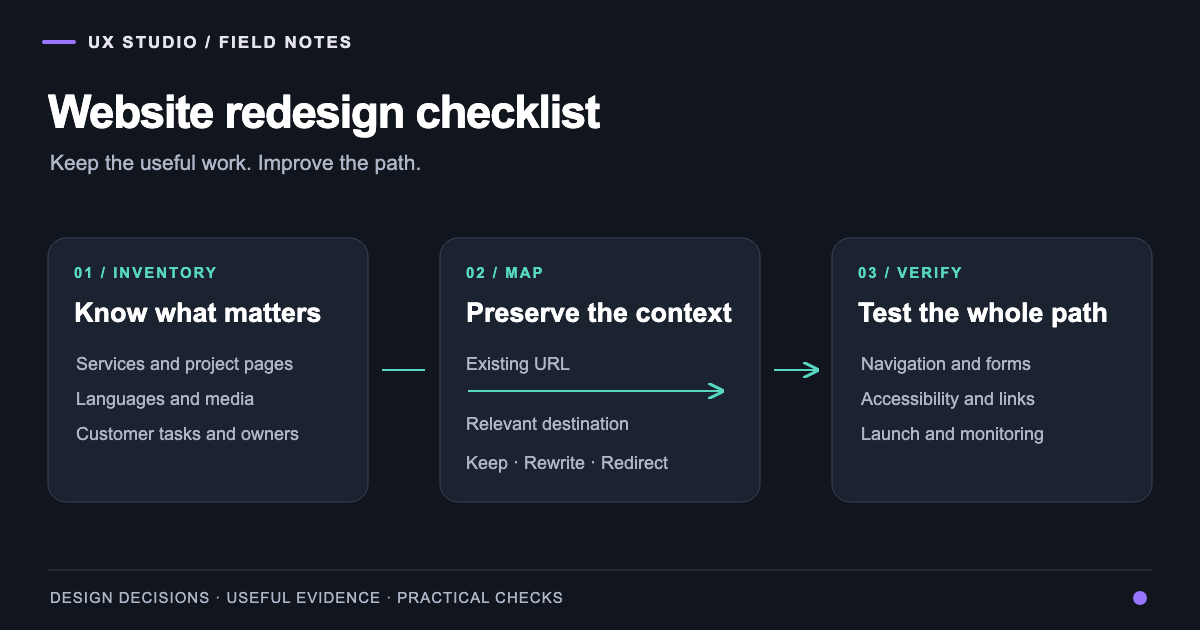
For a redesign, connect this work to the website migration checklist. For the visual evidence behind a specialised website, see Daniela La Rosa. The next improvement should be concrete: a page people can access, understand and use, with claims the studio can support.
Frequently asked questions
About the author
Design & Engineering Team
The UX Studio design and engineering team publishes practical notes on digital strategy, user experience, accessibility and implementation. The articles draw on work documented in the portfolio, including EduSpera, ClassWolf and the SupaSailing / SupaMaritime ecosystem.