Website Redesign Checklist: Preserve Content and SEO
A website redesign checklist for content, URL mapping, accessibility, launch and budget. Plan the migration before approving the new visual direction.
5 min read
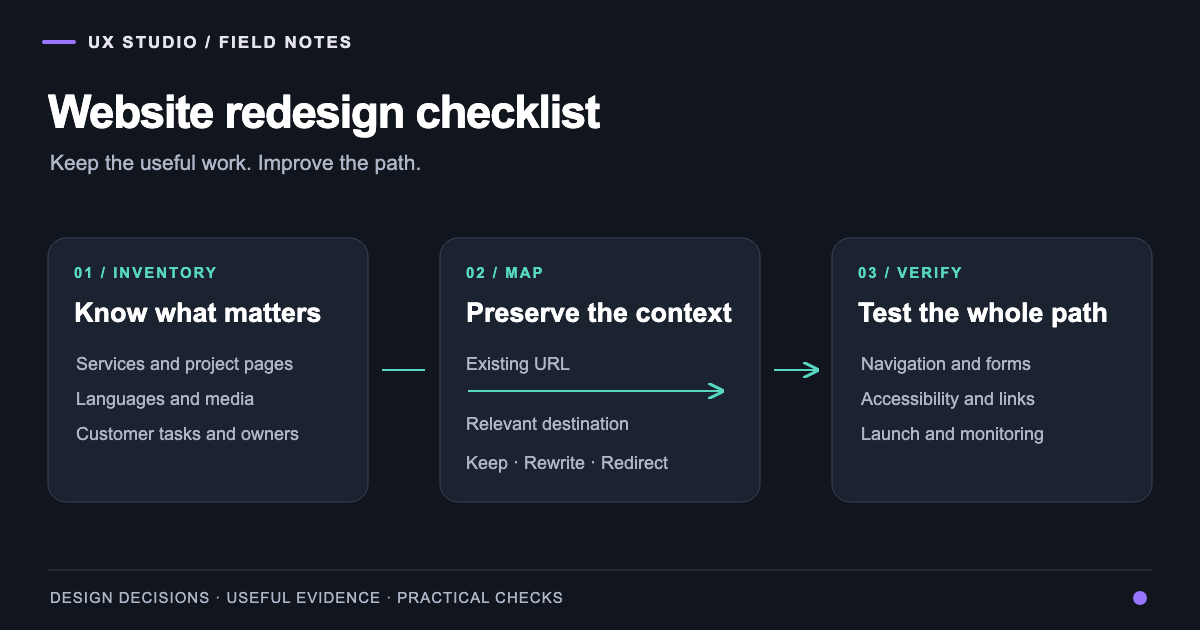
A website redesign checklist is a plan for changing a website while preserving the content, access and customer tasks that still matter. It connects the new design to a migration and a way to verify the result.
In our work, the useful starting question is what the new site needs to make clearer. A service may be difficult to understand. A project archive may hide relevant experience. A form may be hard to complete. Defining that problem helps the team make decisions beyond whether a page looks more current.
The redesign of Daniela La Rosa's website illustrates the relationship. A new villa-and-yacht direction had to coexist with an existing portfolio, articles and languages. The implemented design could change the presentation without treating the archive as disposable. The case study shows that implementation, not a measured claim of SEO improvement.
1. Inventory the site before editing it
Create a list of public URLs and page types. Add the owner, language, purpose, important media and any known dependencies. Use analytics and search data where available to identify pages that receive visits or support enquiries. Keep this evidence separate from assumptions about which pages seem important.
Include less visible routes: old campaign pages, downloadable documents, legal information and external booking links. For a SaaS business, public help content and sign-in entry points may have different responsibilities from marketing pages. Record those boundaries rather than accidentally redesigning a logged-in experience through a marketing template.
2. Agree what stays, changes or retires
Give each page an explicit decision. Some pages only need a new layout. Others need content clarification. A small number may need to merge or retire because the underlying offer has changed.
| Decision | Required evidence | Delivery task |
|---|---|---|
| Keep | The content still serves a real need | Preserve URL and improve presentation |
| Rewrite | Purpose is valid but explanation is weak | Brief, owner and review |
| Merge | Pages substantially answer the same question | Choose destination and map sources |
| Retire | The offer or information is no longer valid | Decide response and remove internal links |
| Restrict | Material is private or permission-dependent | Preserve the access boundary |
Do not turn this into a deletion contest. An older project may still demonstrate relevant experience. A short service page may need a clearer scope rather than replacement with a much longer article.
3. Prepare the URL map before launch
When a URL must change, map the existing address to its relevant replacement. Include languages and historical routes that still receive requests. Google's site-move guidance describes preparing URL mappings, redirects and monitoring. It also makes clear that a move requires processing; a launch is not an instant transfer of every search signal.
Avoid redirecting everything to the homepage. Keep redirects direct where possible and test the final destination. Update internal links so visitors do not need an unnecessary redirect for normal navigation.
Review canonical addresses too. Google's canonicalization guidance describes how to indicate a preferred URL for duplicate or similar pages. A canonical reference should reflect the intended page, not an old template copied across the entire website.
4. Design the important tasks before polishing every screen
Choose the paths that justify the website: understand the offer, inspect proof and take the next step. Review them on a narrow screen as well as a desktop. A portfolio card should lead to an understandable project; an enquiry button should lead to the correct form context.
Our UX/UI design service connects hierarchy and shared components to those tasks. For sites with more complex operational roles, the ClassWolf case study demonstrates why visible context and consistent records matter. The principle transfers to public websites: the visitor should know where they are and what they can do.
5. Check accessibility, forms and integrations
A compiled page is not a completed experience. Test keyboard navigation, visible focus, labels, image alternatives and readable error feedback. Verify that forms preserve useful input after a recoverable failure. Check confirmation messages and the destination of messages with a controlled test.
The W3C preliminary accessibility checks offer a useful starting point, while explaining that an initial review is not a comprehensive evaluation. Plan deeper testing where the product and audience require it. Our accessibility work covers that broader assessment and remediation.
Also inspect analytics, consent handling, search, booking providers and email. A third-party screen can break the journey even when the redesigned pages themselves work.
6. Explain the cost through scope
Website redesign cost depends on more than page count. Separate the effort for discovery, distinct templates, content migration, language review, integrations and verification. Ask which items are included and what assumptions would change the estimate.
A retained archive with hundreds of media references creates different work from a small new site. A shared form creates different work from multiple booking providers. Avoid accepting a fixed market benchmark as a quote for your own scope.
Use an acceptance list to distinguish required delivery from optional ideas. A cinematic hero may be desirable; correct enquiry delivery is essential. That ordering makes budget decisions concrete without pretending that one price fits every redesign.
7. Assign the launch and monitoring work
Before launch, save the previous configuration and agree a recovery path. Name the person responsible for checking page responses, redirects, forms and important integrations. Test the production domain rather than assuming preview behaviour will transfer unchanged.
After launch, review indexing, requested URLs, errors, landing pages and enquiries. Compare equivalent periods and account for seasonality or campaign changes. A movement in traffic alone does not explain its cause.
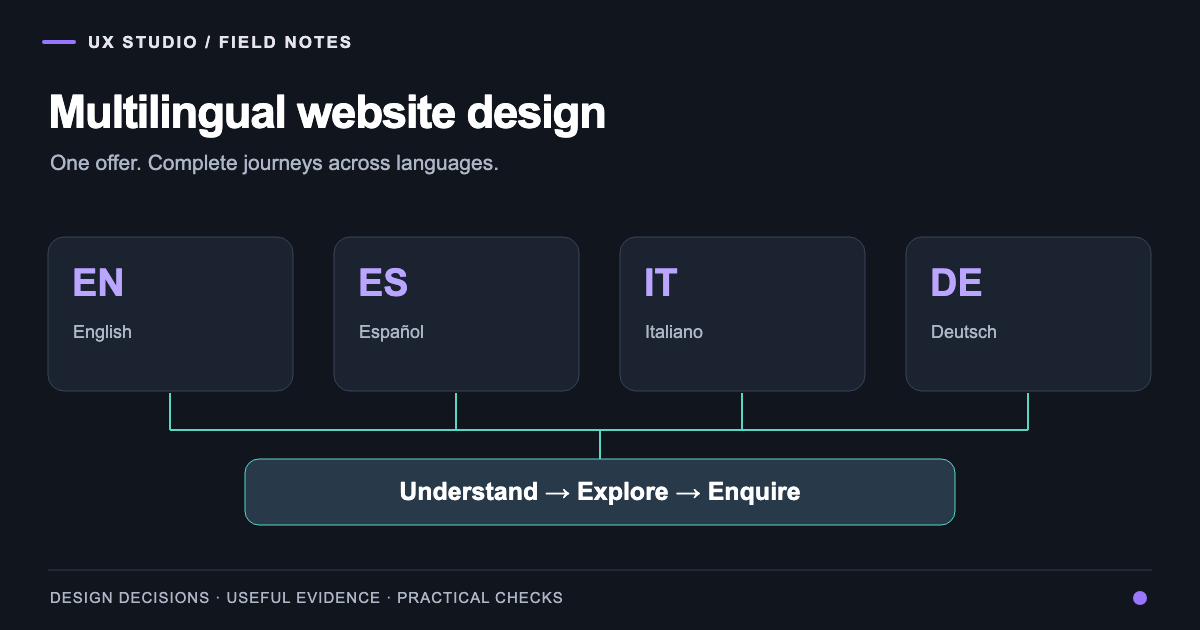
Our digital strategy practice connects these observations to business decisions. If the site serves several languages, add the multilingual website brief to the acceptance process. A redesign is ready when its important content and tasks work together, and the team knows how to detect and correct a problem.
Frequently asked questions
About the author
Design & Engineering Team
The UX Studio design and engineering team publishes practical notes on digital strategy, user experience, accessibility and implementation. The articles draw on work documented in the portfolio, including EduSpera, ClassWolf and the SupaSailing / SupaMaritime ecosystem.